
AI Photo Restoration
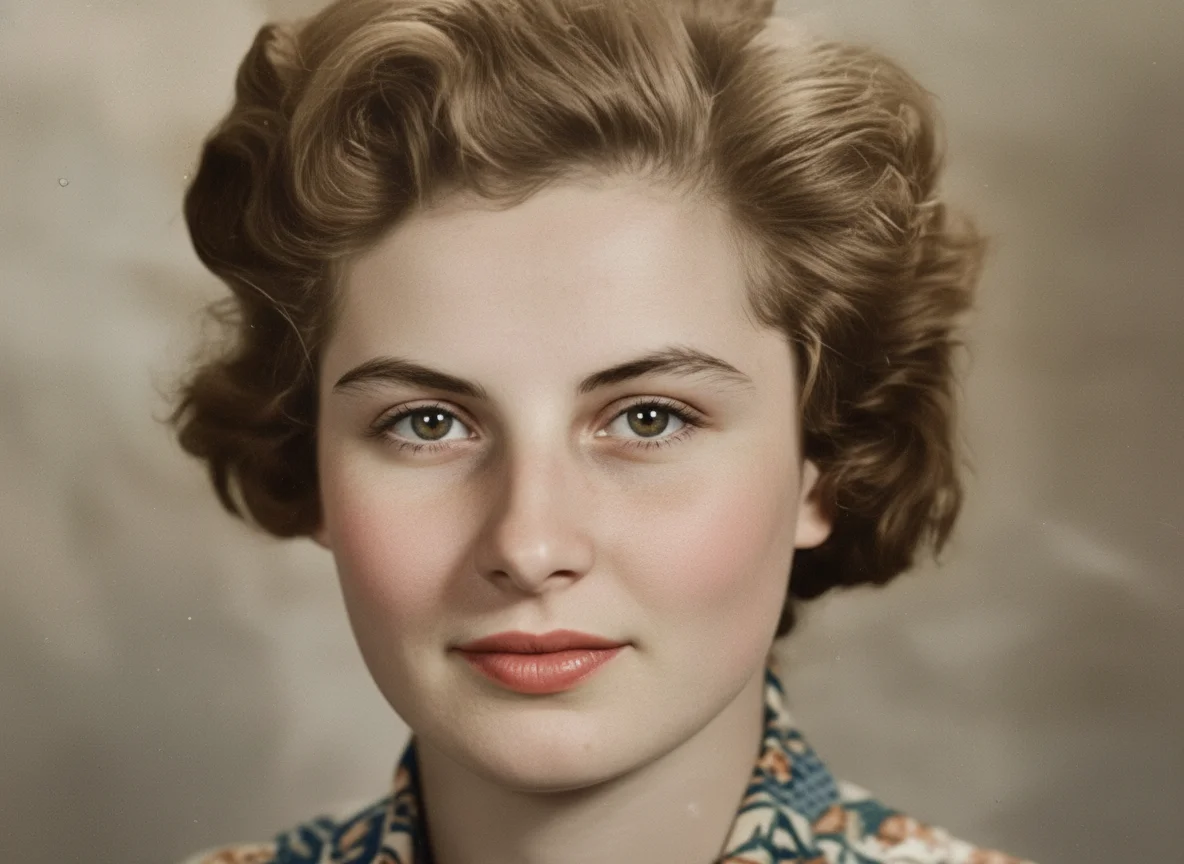
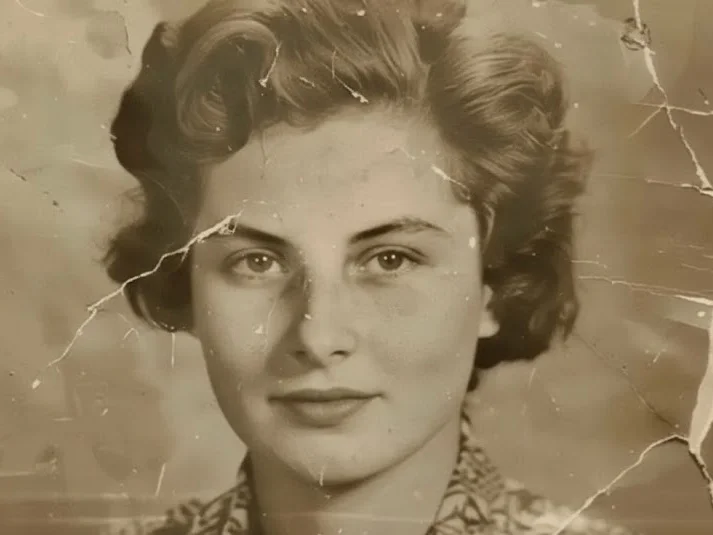
Upload your old or damaged photo and let AI restore it instantly. Bring your memories back to life.
How to Use AI Photo Restoration
Upload
Upload your image or file.
Generate
Click the Generate button. Your image will be ready in a few seconds.
Download
Download your high-resolution, AI-edited image, ready for any project or platform.
Why Choose AI Photo Restoration
Natural-Looking Results for Old and Damaged Photos
AI photo restoration technology focuses on preserving facial features, textures, and original details while removing noise, blur, and damage. Unlike basic photo enhancement tools, AI Imagine avoids over-processing and delivers realistic, balanced restoration results.
Advanced AI Models Trained for Photo Restoration
AI Imagine uses advanced AI image models specifically trained for photo restoration and image enhancement tasks. These models intelligently reconstruct missing details and improve clarity across portraits, family photos, and historical images.
Restore Photos Online Anytime, Anywhere
With AI Imagine, you can restore photos online directly from your browser, on any device. This flexible workflow makes it easy to enhance old photos, repair damaged images, and improve photo quality whenever you need it.
Who Use AI Imagine
Creators
Create visuals faster without design skills. Turn ideas into images, thumbnails, social posts, and creative assets in seconds.
Designers
Accelerate your creative workflow. Use AI Imagine to generate concepts, references, and visual directions, then refine them into production-ready designs.
Marketers
Produce high-converting visuals on demand. Create ads, campaign visuals, and branded images quickly.
FAQs about AI Photo Restoration
AI Photo Restoration
Upload your old or damaged photo and let AI restore it instantly. Bring your memories back to life.