
AI Background Remover
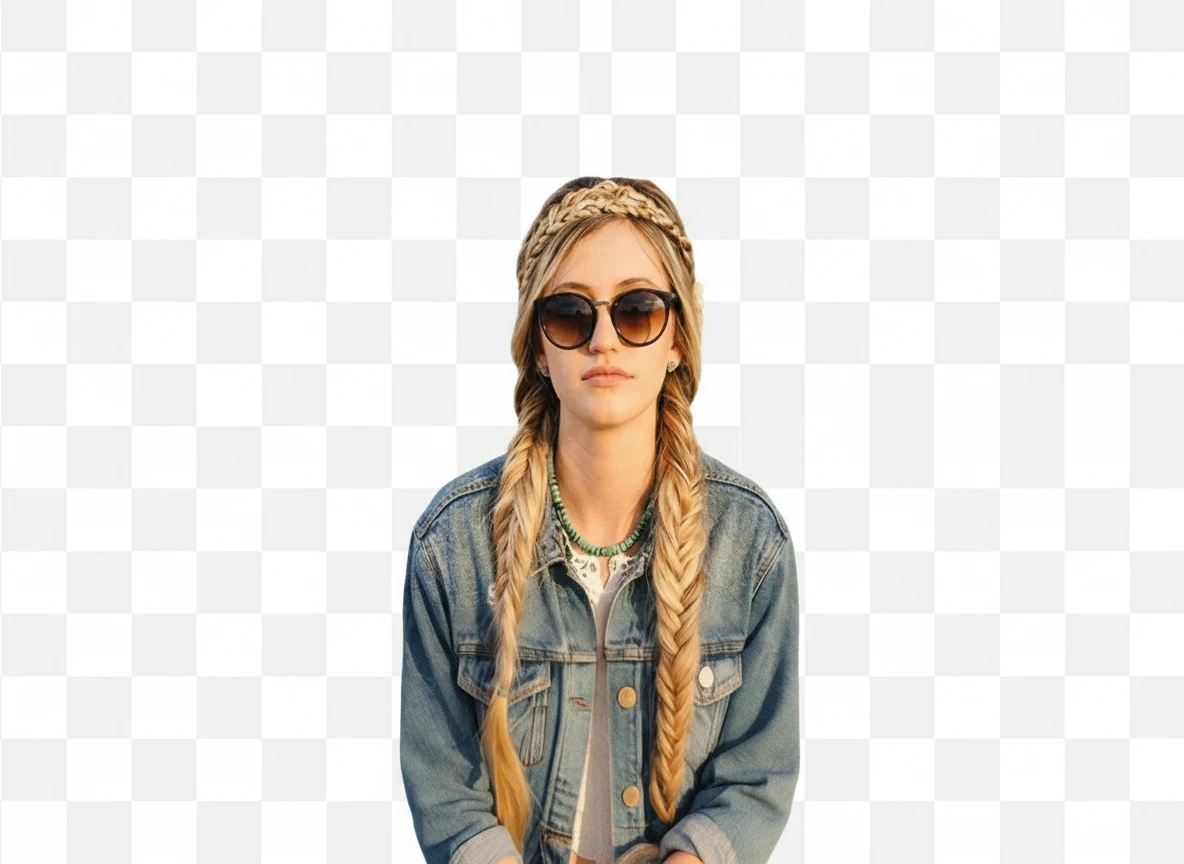
Upload your image and let AI remove the background instantly. Get clean, transparent results in seconds.

How to Use AI Background Remover
Upload
Upload any photo, portrait, or product image. AI Imagine supports various formats for easy processing.
Generate
The AI automatically detects the main subject and precisely removes the background in just a few seconds.
Download
Preview the result and download your high-quality transparent PNG image instantly.
Why Choose AI Background Remover
Automatic Subject Detection with Pixel-Level Accuracy
AI Imagine uses advanced AI to automatically detect the main subject and separate it from the background with high precision. Even complex edges like hair, fur, or transparent fabrics are handled accurately, creating clean, professional cutouts.
Preserve Original Image Quality
AI Imagine maintains the original resolution and sharpness throughout the background removal process. Your images stay crisp and detailed, suitable for professional e-commerce, marketing, and design projects.
Remove Backgrounds Online Anytime, Anywhere
With AI Imagine, you can remove backgrounds directly from your browser on any device. This fast, user-friendly workflow saves time for designers, sellers, and content creators who need polished images quickly.
Who Use AI Imagine
Creators
Create visuals faster without design skills. Turn ideas into images, thumbnails, social posts, and creative assets in seconds.
Designers
Accelerate your creative workflow. Use AI Imagine to generate concepts, references, and visual directions, then refine them into production-ready designs.
Marketers
Produce high-converting visuals on demand. Create ads, campaign visuals, and branded images quickly.
FAQs about AI Background Remover
AI Background Remover
Upload your photo and remove the background instantly with AI Imagine. Get clean transparent images for free.